The account
Opening the account is three independent steps, and almost everyone does only the first. The other two decide whether the money can leave later.
You will open the account, finish verification and turn on two-step verification.
Renato UlianovNarration over the screen
Sign-up, verification, security
Sign-up is e-mail (or phone) and password: it creates the account and lets you look around. Verification is ID and selfie: what the exchange needs before letting money out, required by law almost everywhere. Security is what stops someone else from using the first two.
They are independent, which is why you can sit for months with a half-finished account without noticing. Do all three on the same day.
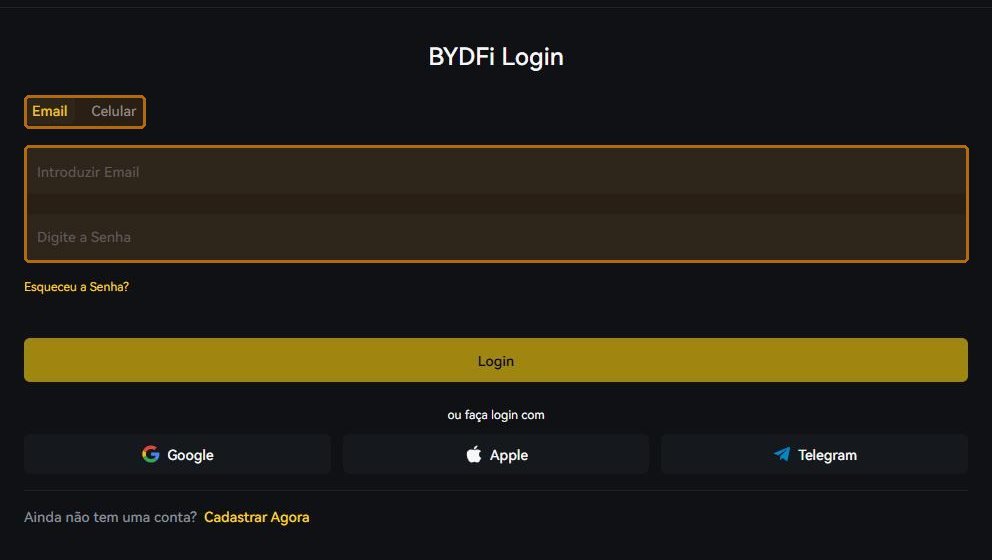
E-mail or phone — and what it ties you to
Whatever you choose here becomes your identifier. If it is e-mail, use one you will always have access to and that is not the one shown publicly on your social accounts.
Signing in with Google, Apple or Telegram is convenient and has a side effect nobody mentions: your exchange security becomes that other account's security. If your Google falls, the exchange falls with it.

Two steps by app, not by SMS
Two-step verification by app (Google Authenticator and the like) generates a code on your phone without crossing any network. By SMS the code travels through the carrier — and fraudulent SIM swaps are a common attack precisely because the message can be intercepted.
When you turn the app on, the exchange shows a recovery key. Write it on paper and keep it away from the computer. It is what gives the account back when the phone is lost, broken or replaced — and it is shown only once.
A name that differs from the ID. Verification compares what you typed with the document; a nickname at sign-up blocks a withdrawal weeks later.
Changing phones without turning the app off. Redoing two-step without the recovery key becomes a ticket with proof of identity — days, not minutes.
The same password as another site. A leak anywhere becomes a break-in here. Unique password, preferably in a manager.
- Account created with a permanent e-mail and a unique password.
- Identity verification finished (not merely submitted).
- Two-step by app turned on, recovery key on paper.
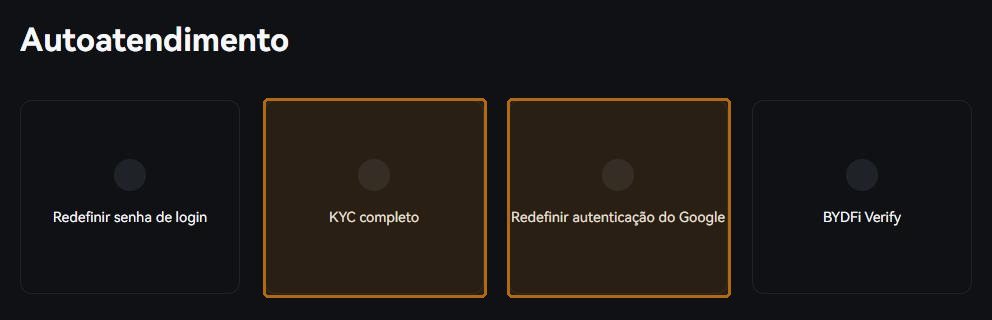
Every screen on the exchange has Customer Support in the footer, and the Help Centre has self-service for the three things that most often get stuck: resetting the password, finishing verification and re-doing the two-step app. If none of that solves it, the written channel is cs@bydfi.com. Do not guess: a ticket costs ten minutes, a guess can cost the account.